Integrations
Daily Cubby fits the tools you already run on
Your bookkeeper has a chart of accounts. Your team lives in a shared calendar. Your families expect a text when pickup changes. Connect Daily Cubby to those systems once and the data moves on its own, so nobody retypes a number that already exists somewhere else.
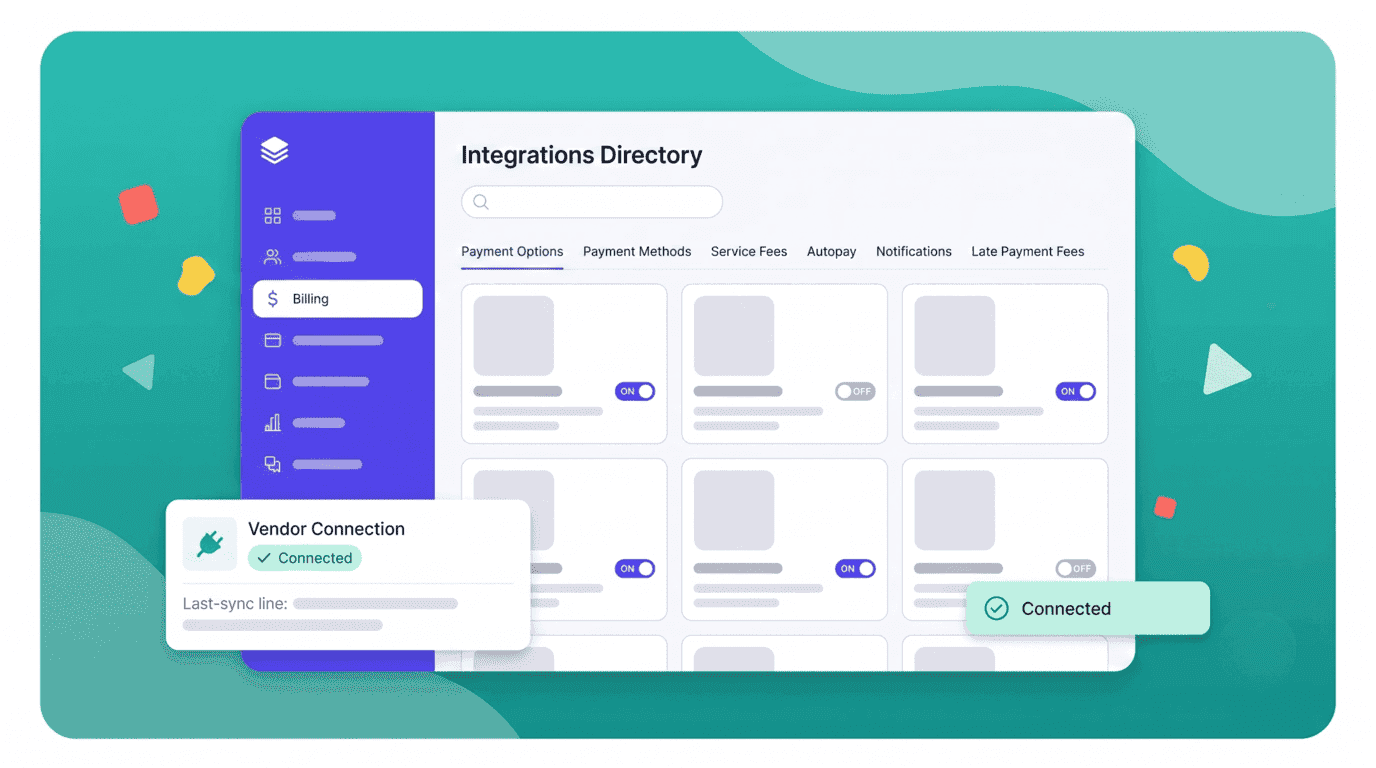
What connects today
Integrations by category
Five categories cover the systems centers ask about most. Each connection states what it reads, what it writes, and which direction is authoritative before you turn it on.
Accounting
Tuition, fees, and payment activity land in your ledger as they happen, so month-end close stops being a data-entry project.
QuickBooks Online
Daily Cubby invoices, credits, and recorded payments post to QuickBooks against accounts you choose. You map tuition, registration, late fees, and supply charges to your own chart of accounts once, and each night's activity syncs to the right line. Your bookkeeper reconciles the deposit instead of rebuilding the billing register by hand.
Xero
The same billing data flows into Xero, with families created as contacts and tuition items mapped to your revenue accounts. Outstanding balances stay consistent across both systems, so the aged-receivables report your accountant pulls matches what a director sees on the Daily Cubby dashboard.
Payments
Take tuition online, keep a payment method on file, and let receipts and failed-payment retries handle themselves.
Stripe
Connect your own Stripe account and card payments settle directly to your bank, with Daily Cubby writing the payment, fee, and payout reference back onto the invoice. Autopay charges the stored method on the due date, retries a decline on a schedule you set, and emails the family a receipt without a staff member touching it.
ACH bank debit
Families can authorize a checking account instead of a card, which cuts processing cost noticeably on a monthly tuition figure. Daily Cubby stores the authorization record, tracks the multi-day settlement window so an invoice is not marked unpaid while funds are in flight, and flags returns with their reason code.
Apple Pay and Google Pay
Wallet payments run through the same Stripe connection, so a parent can settle a balance from the family app in a couple of taps. That matters most for one-off charges like a field trip or a late-pickup fee, where entering a card number is enough friction to get the payment postponed.
Calendar
Closures, staff shifts, and center events show up in the calendar your team already checks every morning.
Google Calendar
Published staff schedules, room coverage, closures, and conference slots write into a Google Calendar per room or per employee. Changing a shift in Daily Cubby updates the calendar entry, so an educator checking their phone sees the current version rather than the printout on the staff-room wall.
Microsoft Outlook Calendar
The same schedules and center events sync to Outlook and Teams calendars for centers on Microsoft 365. Tour appointments booked through your enrollment pipeline appear on the director's calendar with the family's contact details attached, so nobody double-books a Tuesday morning.
iCalendar (ICS) subscription
A read-only ICS feed covers anything that does not run on Google or Microsoft. Subscribe from Apple Calendar, a shared family calendar, or your own tooling and get closures and events without granting Daily Cubby write access to a calendar account.
Identity and single sign-on
Staff sign in with the work account they already have, and access ends the moment their employment does.
Google Workspace
Educators and administrators sign in with their center Google account. There is no separate password to reset, your existing two-step verification carries over, and suspending the Google account cuts off Daily Cubby at the same moment — which matters when someone holding attendance and family contact data leaves mid-week.
Microsoft Entra ID
SAML single sign-on for centers running Microsoft 365, including your conditional access policies. Group membership in Entra can drive the Daily Cubby role a person lands in, so a new hire added to your Educators group gets room-level access without an admin provisioning them twice.
SAML 2.0 with SCIM provisioning
A generic SAML connection works with Okta, JumpCloud, or any compliant provider, and SCIM keeps the staff roster in step automatically. Multi-site groups use this to onboard and offboard across every location from one directory instead of chasing accounts center by center.
Communications
Reach families on the channel they actually read, whether that is a text about an early closure or a monthly newsletter.
Twilio SMS
Send SMS from your own Twilio number for messages that cannot wait for someone to open an app: a weather closure, an unplanned early pickup, an incident notification. Daily Cubby uses your family contact list and consent flags, records delivery status against the child's record, and routes replies into the message thread staff are already reading.
Mailchimp
Sync current families, waitlist contacts, and alumni into Mailchimp audiences, tagged by room, enrollment status, and location. Newsletters and re-enrollment campaigns go out from the tool your marketing already uses, and unsubscribes flow back so Daily Cubby never emails someone who opted out.
Slack
Post operational alerts into a staff channel — a room drifting out of ratio, an incident report filed, a payment that failed twice. Directors who keep Slack open all day get the signal without watching a second dashboard, and the channel history records who saw what and when.
How it works
Connecting takes an afternoon, not a project
Every integration follows the same path, and you can stop after the test run if the result is not what you expected. Nothing writes to a connected system until you say so.
Pick the integration
Open Settings, then Integrations, and choose the service. Each entry lists exactly which data it reads, which data it writes, and which Daily Cubby permissions the connection needs.
Authorize with the vendor
You are handed off to the vendor's own sign-in screen to approve access. Daily Cubby never asks for or stores your QuickBooks, Google, or Microsoft password — it holds a token you can revoke from either side.
Map your fields
Match Daily Cubby concepts to yours: tuition to a revenue account, each room to a calendar, an Entra group to a staff role. Defaults are suggested from your existing setup, and any mapping can change later without disconnecting.
Run a test sync
Push a small, dated sample and review the result side by side before anything else moves. The preview lists every record that would be created or updated, so a wrong account mapping surfaces here rather than in your year-end books.
Turn it on and watch the log
Enable the schedule and the sync runs on its own. The activity log keeps every record, timestamp, and error with a plain-language reason, and a failed sync emails your admins rather than going quiet.
API and webhooks
Build the connection we have not built yet
Not every center runs on software with a public integration. Daily Cubby exposes the same data through a documented REST API and outbound webhooks, so your own developer, your IT partner, or a consultant can wire up the system we do not support directly.
REST API over HTTPS
JSON endpoints for children, families, enrollments, attendance, staff, rooms, invoices, and payments. Reads cover all of them; writes cover enrollment, attendance, and billing. Responses are cursor-paginated, so a nightly full pull stays predictable as your roster grows.
Scoped API keys
Keys are issued per integration, scoped to specific resources, and read-only unless you grant otherwise. Each key can be limited to named IP ranges, rotated without downtime, and revoked on its own, so retiring one script never breaks the others.
Outbound webhooks
Subscribe to events like child checked in, invoice paid, payment failed, incident reported, and enrollment status changed. Daily Cubby signs every payload, retries failures with backoff for up to 24 hours, and keeps a delivery log you can replay from — no polling loop required.
Sandbox and reference docs
A sandbox tenant seeded with sample children, invoices, and attendance lets you build and test without touching real family data. Reference documentation includes an OpenAPI schema, so most clients can be generated rather than hand-written.
Who this is for
- Multi-site groups consolidating enrollment and revenue into a warehouse or BI tool
- Centers whose payroll, HR, or curriculum system has no packaged connector
- Franchise operators reporting a standard set of metrics across independently owned locations
- Agencies and consultants building subsidy or funded-hours reporting for a center
API access is available on the Growth and Enterprise plans. Rate limits, event payload shapes, and the full endpoint list are covered in the developer documentation we share once your account is provisioned.
Not on the list?
Tell us what you need to connect
We build integrations in the order centers ask for them, and a specific request naming the vendor and the data you need to move carries real weight. If a packaged connector is not realistic soon, we will say so and point you at the API route or a workable export instead.
- Name the vendor and the data — we will tell you what is already possible today
- Existing customers can ask for a scoped API key in the same conversation
- CSV import and export cover the gap while a connector is in progress
Common questions
The accounting, calendar, communications, and single sign-on connections are included on the plan that offers them — there is no per-integration fee from us. You still pay your own vendors directly: Stripe's processing rate, Twilio's per-message cost, your Mailchimp subscription. API and webhook access requires a Growth or Enterprise plan.
It depends on the integration, and each one states its direction before you connect. Accounting is one-way out of Daily Cubby, because your ledger should not be rewriting a family's balance. Single sign-on and SCIM are one-way in, with your directory as the source of truth for staff. Payments and calendar are two-way: Daily Cubby sends the charge or the event, and settlement results or entry changes come back.
Only what the specific integration needs. Accounting receives billing records plus a family's name and email as the invoice contact, never a child's health, incident, or developmental records. SMS receives a phone number and the message text. Single sign-on receives no child data at all. Each setup screen lists the exact fields, and your data processing agreement covers subprocessors.
Yes, from either side, at any time. Disconnecting stops future syncs and revokes the token immediately. Records already written to the other system stay there, since they are that system's data now. Your Daily Cubby records are untouched, and reconnecting later resumes from the disconnect date rather than replaying months of history.
Each integration has a declared source of truth per field, shown during mapping. When a conflict cannot be resolved automatically — a family matched to two accounting contacts, say — the sync pauses that single record, keeps everything else moving, and puts the conflict in the activity log with both values and a one-click resolution.
Not with a packaged connector yet. Daily Cubby tracks staff hours from clock-in and clock-out, and centers currently export an approved timesheet as CSV for their payroll provider, or pull hours through the API on a schedule. Payroll is the request we hear most, so tell us which provider you use — it shapes what we build next.
Yes. Onboarding includes a working session for the accounting and payment connections, which are the two where a wrong mapping is genuinely annoying to unwind. Single sign-on is set up with whoever administers your Google Workspace or Microsoft tenant. Growth and Enterprise accounts get a named contact for API work.
Ready to simplify your childcare management?
Join thousands of centers using Daily Cubby to save time, stay organized, and focus on what matters most — children.
Already use Daily Cubby? Log in to your account